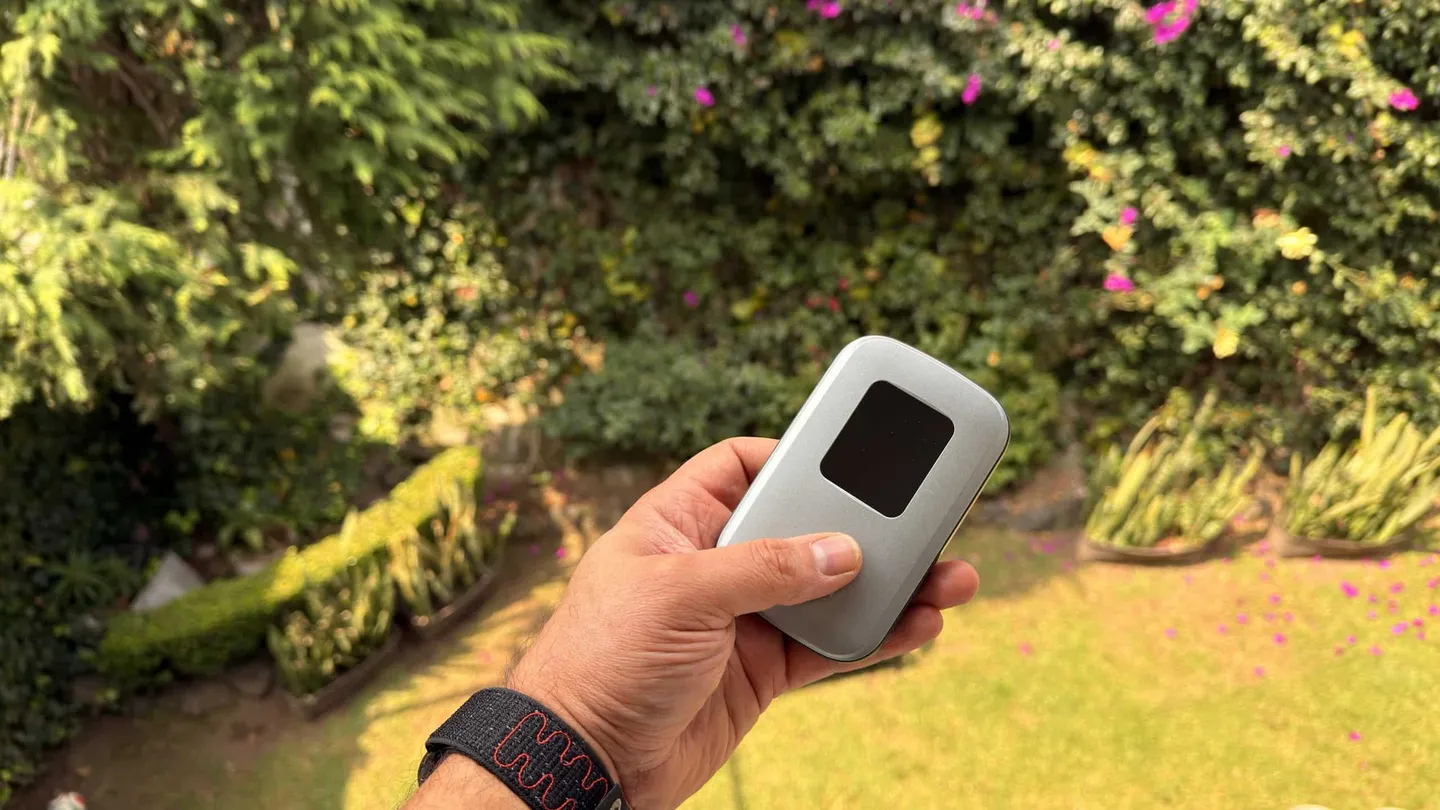
I find the Linklan eSIM hotspot useful. Mine has connected to Telcel in Mexico and worked well. The app, though, still needs a lot of improvement, and a failed eSIM activation attempt in Europe stopped me from treating it as a completely straightforward travel solution. Useful hardware; software that has some catching up to do.
Affiliate disclosure: Links to Holafly in this review are affiliate links. WanderHackr may earn a commission if you purchase through them. That does not change the failed activation experience described below.
I own this hotspot. The observations here come from my use in Mexico and my attempted activation in Europe; the specifications are separately attributed to the manufacturer. I have not run controlled speed, battery-endurance or maximum-device tests.
The short verdict: useful, with a compatibility catch
The appeal is a separate connection box: install a suitable data plan on the hotspot, then connect your other devices over Wi-Fi. It is worth considering if you want travel connectivity outside your phone. It is harder to justify if a phone hotspot already does everything you need.
- What worked for me: connecting to Telcel in Mexico.
- What did not: activating a Holafly eSIM on the hotspot in Europe.
- What needs work: the app and the overall software polish.
- My buying condition: confirm the exact data plan works in this hotspot before building a trip around it.
Which Linklan hotspot is this?
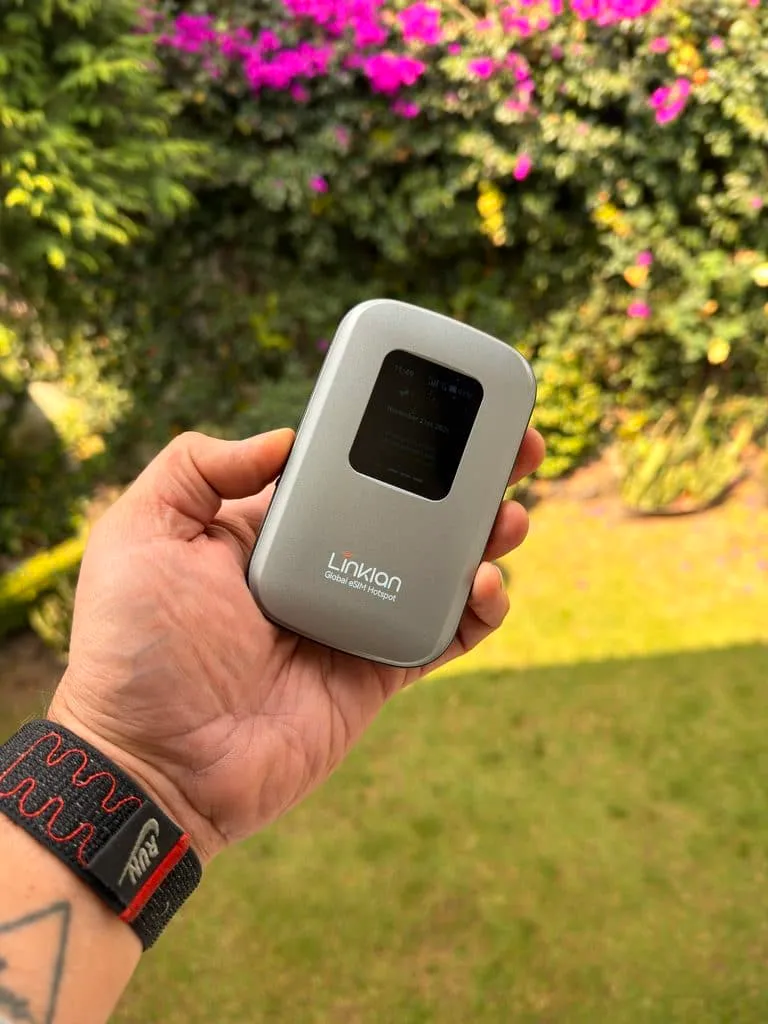
The Global eSIM Hotspot product page identifies this model as the Linklan LA7. This review concerns the device linked there, rather than the separate LA8 or 5G models. Match the model on your own unit before borrowing specifications from another listing.
According to that listing, the LA7 has 4G LTE Cat 6, a 5,000 mAh battery, USB-C charging, a 1.8-inch screen and support for up to 16 connected devices. Those are manufacturer specifications, not results from my testing. In particular, battery capacity does not establish real-world runtime, and a connection limit does not tell you how well 16 people can use it at once.
One detail needs clarification: the product page labels the Wi-Fi as Wi-Fi 6, while Linklan’s hardware help page lists 802.11n/ac for the LA7. I would confirm that with support if the Wi-Fi standard matters to your purchase. A 5 GHz Wi-Fi connection also does not mean the cellular connection is 5G.
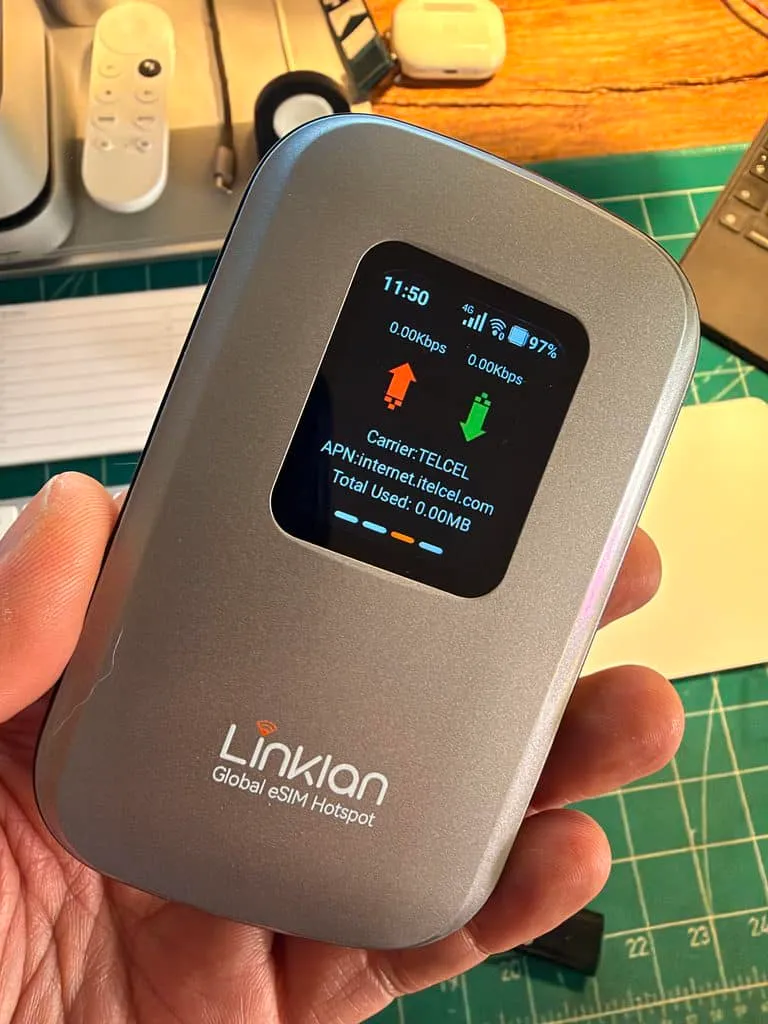
Mexico: mine connects to Telcel and works well
This is the positive part of my experience: I have used the hotspot in Mexico, where it connects to Telcel, and it has worked well for me. That gives it a practical role in my kit beyond an appealing specification sheet.
There is an important distinction between connecting to Telcel and buying a plan directly from Telcel. The network name alone does not establish who sold the data plan or whether the connection uses roaming. My experience also does not establish coverage everywhere in Mexico, a particular speed, or support for every Mexico eSIM.
If Mexico is why you are considering this device, check the exact plan’s supported networks and coverage alongside the hotspot’s supported bands. My result is encouraging; it is still one owner’s experience with one setup.
Europe: the eSIM activation I could not get working
When I tried to activate a Holafly eSIM on this hotspot in Europe, it did not work. I would not leave that out of a review simply because the device has been useful elsewhere.
I do not have a confirmed cause. A failed attempt does not prove that every plan from that provider is incompatible, that Linklan cannot work in Europe, or that the hardware was faulty. Equally, a general promise of third-party eSIM support is not enough to assume a specific plan will activate successfully in this device.
The useful question for both the hotspot maker and the data provider is specific: “Can this exact plan be installed and used in a Linklan LA7 hotspot?” Permission to share a phone’s connection over Wi-Fi is a separate question from permission and technical support to install that plan directly on a dedicated hotspot.
Before paying, I would also ask when the plan starts, whether the intended countries are covered, and what support or refund route applies if activation fails. I would keep another way to get online available until that particular setup is confirmed working.
The app is the part I like least
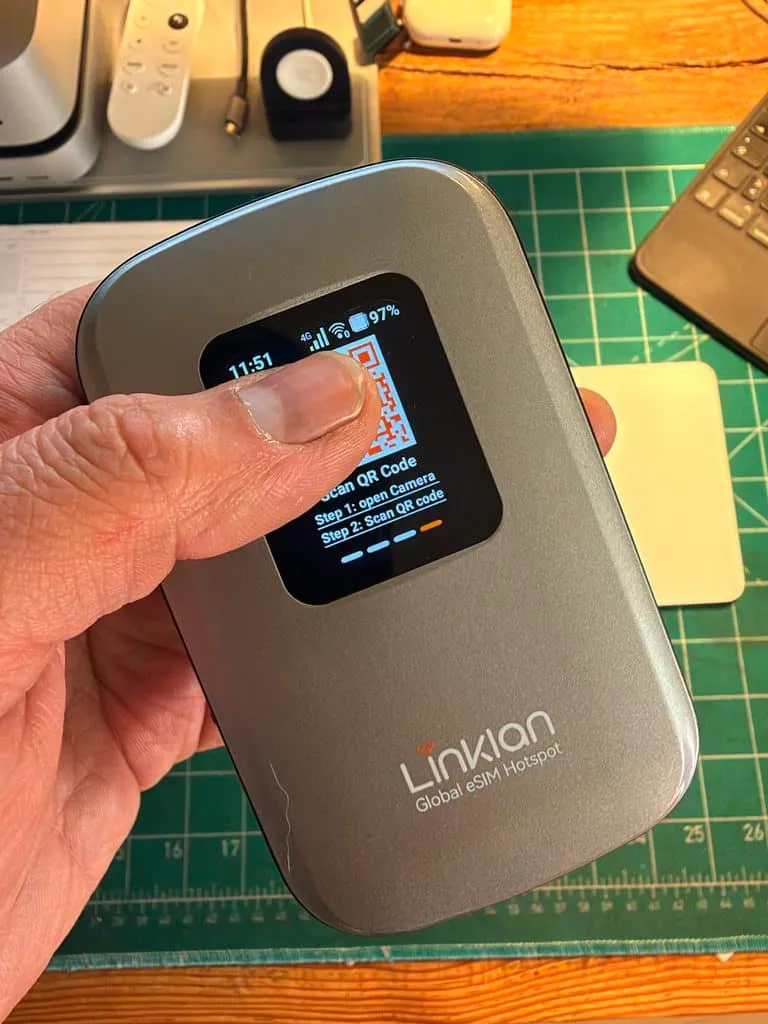
My biggest criticism is the app. It is not the best part of the product, and it needs substantial improvement. The hardware can be useful while the experience of managing it still feels unfinished.
That matters because the app sits in the middle of the eSIM experience. Linklan’s official app guide describes installing compatible plans, switching profiles, monitoring usage and managing connected devices. Those are advertised functions, not a claim that I have independently tested every one of them.
For a travel device, the standard I want is simple: make the active plan obvious, show whether it is connected and make a failed installation understandable. Those are my priorities for future improvements. I would not promise a buyer an effortless setup on the strength of the hardware alone.
The Android underneath becomes visible
When I switch the hotspot off, I can see what looks like Android underneath the dedicated interface. It is an odd little glimpse of the computer inside the connection box.
I am describing what I see on my unit, not identifying a verified Android version or making a security assessment. I would not buy it expecting a general-purpose Android device, installable apps or smartphone-style features. The interesting part is how that visible software layer fits with my broader impression: the product could feel more polished.
A dedicated hotspot or the phone you already have?
The strongest reason to consider a separate hotspot is that you actually need a separate connection device. If you only want data on one compatible phone, installing a suitable eSIM directly on that phone may be the simpler arrangement. A dedicated box adds hardware to carry, charge and manage.
If several devices need the same connection, a hotspot becomes more interesting. But the data plan remains part of the decision: check whether it allows router use, how much data you can share and what happens after any allowance is reached. The box cannot remove a restriction written into the plan.
For a wider comparison of local SIMs, travel eSIMs and portable hotspots, see our guide to getting internet while traveling abroad. If keeping a U.S. phone number active is part of the problem, our travel eSIM and home-number guide explains the separate calls, SMS and data decisions.
What I would check before buying
- Exact model and network support. Check the device version and bands against the destination and intended network.
- Exact plan compatibility. Ask about installation directly on this hotspot, not just whether an eSIM can be used on a phone.
- The full cost. Compare the current hardware price, delivery charges and any import costs, then add the data plan. The device price is not the price of a connected trip.
- Setup before relying on it. Follow Linklan’s model-specific setup guidance and the provider’s activation timing. Do not start a time-limited plan early just to test it.
- An alternative connection. Keep a workable fallback until you have confirmed the hotspot and chosen plan connect successfully.
Would I recommend it?
With conditions, yes. I find the Linklan useful, and the Telcel connection in Mexico has worked well for me. The app is the clear weakness, and my European eSIM attempt is a reminder that compatibility deserves more attention than the word “global” on a product page.
I would consider it for someone who wants a separate travel hotspot and is willing to confirm the data plan first. I would be more cautious if you want the simplest possible setup or expect to load any travel eSIM without checking. There is a useful product here; I want the software experience to catch up.
Manufacturer documentation checked on November 21, 2026. Software, specifications and plan conditions can change.